Getting started
This is the shortest path from zero to a running Edge Node that evaluates one test transaction. It assumes you are the PSP: you install the Edge, Hokeka runs the cloud.
1. Before you touch a server
Collect these from the Hokeka Console (Edge Nodes → the setup wizard generates them):
| Value | Example | Notes |
|---|---|---|
| PSP id | 42 | Numeric id — a PSP code such as acme is refused |
| Edge id | acme-eu-1 | The node's stable machine identity |
| Enrollment code or install token | ABCD-1234 / opaque | The token is the shorter path (single use, 2 h default) |
| Control Plane URL | https://edge.hokeka.com | mTLS endpoint for bundles, metrics, decision records |
See Choose a method for which installer fits your estate, and Requirements for sizing.
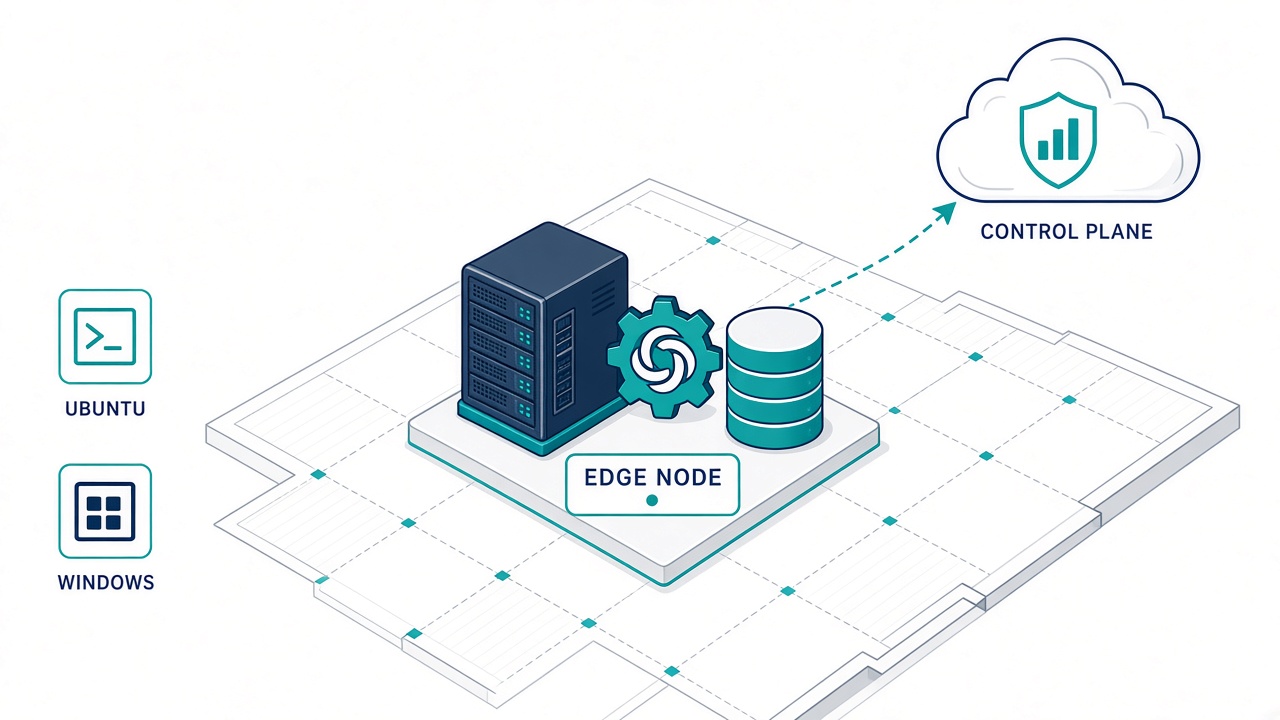
Figure 1 — What the installer puts on your server: the Edge service on :8443, its local PostgreSQL 16 ledger and the Aerospike velocity store. Nothing else is required and nothing in it is internet-reachable.
2. Install the Edge Node
Linux — fastest path (Console one-liner):
curl -fsSL https://hokeka.com/install-edge.sh | sudo bash -s -- --enrol-token 'PASTE_TOKEN'
Linux — explicit (container):
sudo bash install.sh \
  --pspid 42 --edgeid acme-eu-1 \
  --controlplane https://edge.hokeka.com \
  --enrollment-code ABCD-1234
Windows (elevated PowerShell): see Windows install.
3. Approve and confirm the node
- A platform admin approves the node if it was created with an enrollment code (a token-created node is already approved).
- Console → Edge Nodes shows the node move to Active, with its pinned X25519/Ed25519 fingerprints and the bundle version it is running.
- On the host:
curl -fk https://localhost:8443/edge/status→"authorization":"authorized".
Until that happens the node is fail-closed: POST /edge/evaluate answers HOLD.
4. Evaluate one transaction
curl -k https://localhost:8443/edge/evaluate \
  -H 'Content-Type: application/json' \
  -d '{
    "txnId": "test-0001",
    "panHash": "0000000000000000000000000000000000000000000000000000000000000000",
    "amountMinor": 12345,
    "currency": "KES",
    "country": "KE",
    "channel": "CARD_PRESENT",
    "timestamp": "2026-01-01T10:00:00Z"
  }'
You get a decision (ALLOW, ALERT, HOLD, BLOCK…), the rule ids that fired and the record id.
The full contract is in How an evaluation works.
5. Wire your API nodes
Point them at the Edge (not at Hokeka). Inbound 8443/tcp from your API subnet only; the API binds
to 127.0.0.1 unless you widen it with --bind / --allow-subnet. Follow the
PSP API guide for TLS and mutual-TLS options.
6. Operate it
- Back up the Edge Ledger and the node identity keys (
data/) before going live. - Set retention in Console → Settings → Data Retention (5–25 years, maker-checker).
- Watch
/edge/status(ledger, outbox backlog) and the node page in the Console (bundle version, metrics windows). - Upgrades, uninstall and troubleshooting: Install reference and Troubleshooting.
Next
- FAQ — the questions every integration team asks first.
- API overview — what the Console and PSP calls look like.
- Data residency contract — exactly what may leave your site.